Your bills. Your plans. Your goals. Your life. Finally, all in one place.
Adulting is hard. Your dashboard shouldn’t be.
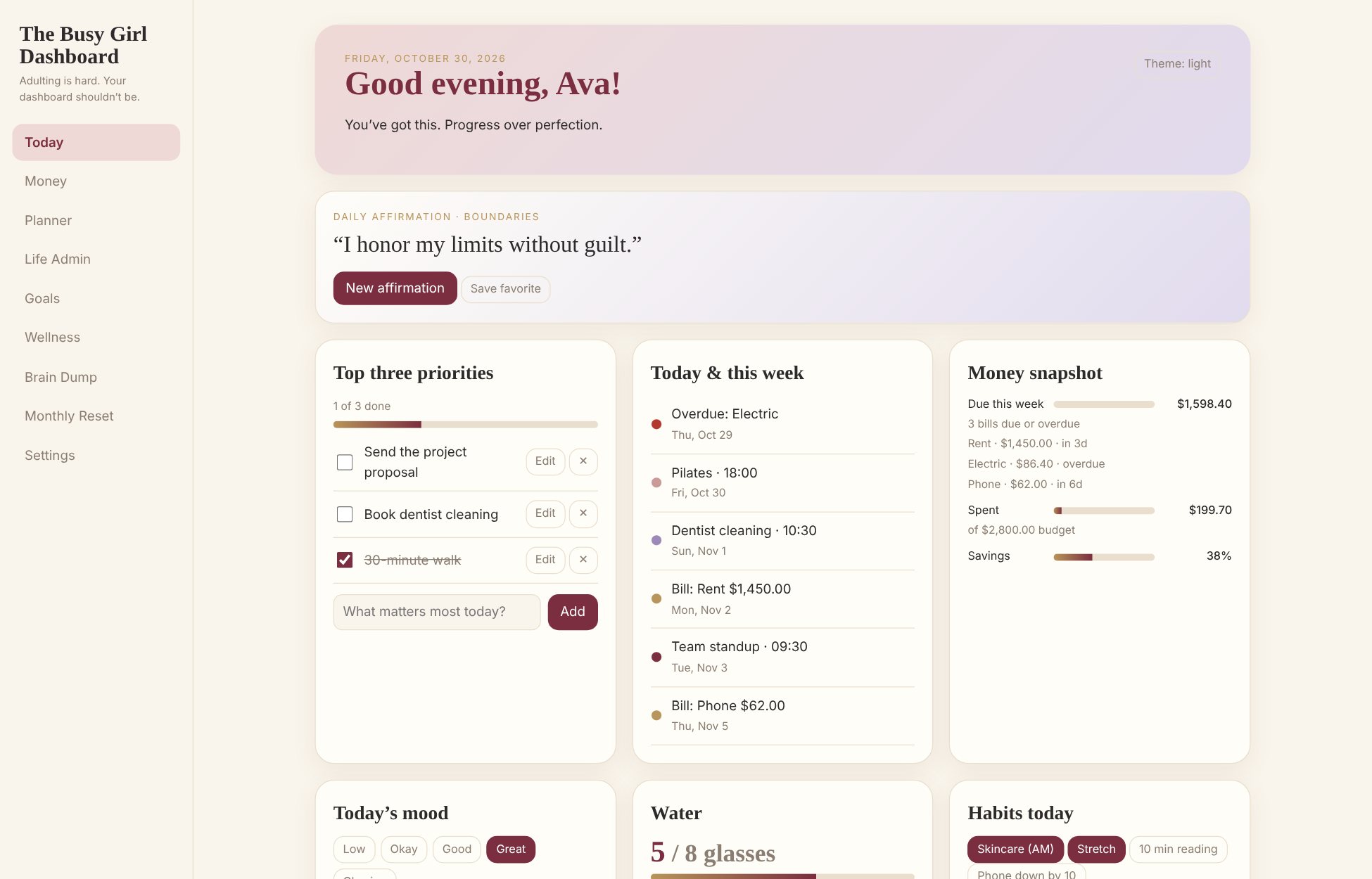
The Busy Girl Dashboard is our first digital life-management product: one calm place for your day, your money, your calendar, your life admin, your goals, and your well-being.
Who it’s for
Busy women balancing a career, bills, relationships, appointments, personal goals, and self-care, who want one organized, encouraging place to keep it all.
Everything in one place.
- Today
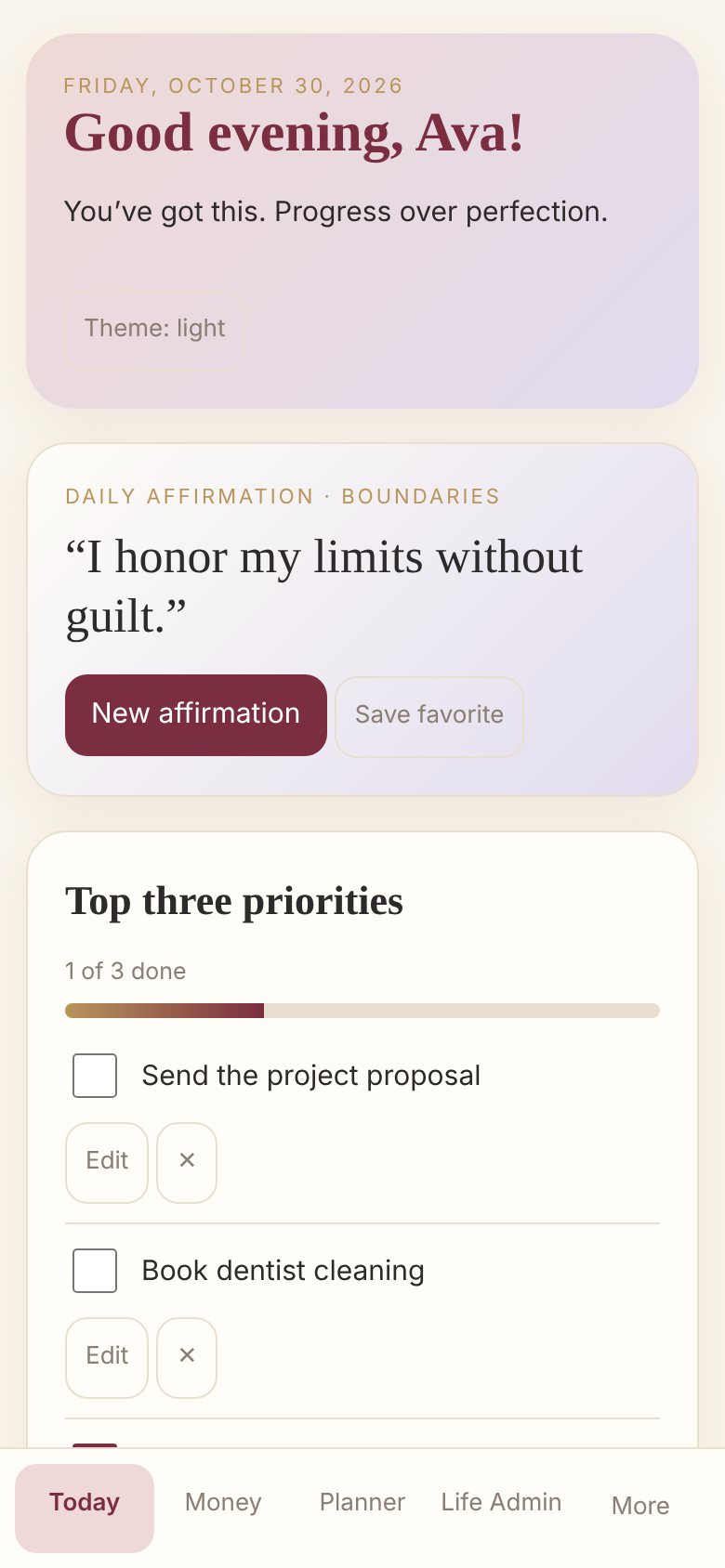
- A personal greeting, a daily affirmation, your top priorities, upcoming events, and a quick check-in.
- Money
- Bills with due dates, income, spending by category, savings goals, a debt tracker, and subscriptions, with totals calculated for you.
- Planner and Life Admin
- Month and week views, repeating events, and a place for appointments, renewals, errands, and follow-ups.
- Goals and well-being
- Goals with milestones, habits, mood, water, and sleep, with a weekly view that celebrates showing up.
- Optional extras
- Content Lens for creators and Travel planning, when you want them.
- Make it yours
- Four color themes, light and dark modes, and your own name and greeting.
Screenshots show the dashboard with fictional example data.
Simple from the first minute.
- Open it in your browserVisit your dashboard link on any phone, tablet, or computer. No app store needed.
- Set it upA short setup asks for your name, priorities, and a color theme. Choose Quick Start, or skip it and come back later.
- Add it to your Home ScreenOn iPhone or iPad, tap Share, then Add to Home Screen. On Android and desktop Chrome, choose Install. It then opens like an app and works offline.
- Back up when you likeDownload a backup file of everything you’ve entered, and restore it on this device or a new one.
What you receive
- The dashboard, in your browser. A personal planning tool that opens on your phone, tablet, or computer.
- A personal license key. You enter it once to activate the dashboard. We plan a one-time purchase, licensed for up to three of your devices.
- Your data stays yours. Your entries are saved on your own device, not uploaded to us, and the built-in backup and restore is how you protect or move them.
Pricing and purchase
- Purchasing opens at launch.
- Pricing will be shown here, and it will match checkout.
Good to know.
Where is my information stored?
On your own device. Your entries aren’t uploaded to us and they don’t sync between devices, so please use the built-in backup and restore.
Which devices can I use?
Any phone, tablet, or computer with a modern web browser. A license is planned for up to three of your devices.
Does it work offline?
Once it’s added to your Home Screen or installed, it opens without an internet connection.
Is it financial advice?
No. It’s an organizing tool, and its totals are based only on what you enter.